Challenge Description
One of the clients of our company, lost the access to his system due to an unknown error. He is supposedly a very popular “environmental” activist. As a part of the investigation, he told us that his go to applications are browsers, his password managers etc. We hope that you can dig into this memory dump and find his important stuff and give it back to us.
Solution
Stage 1: Environment Variables
First get the image info:
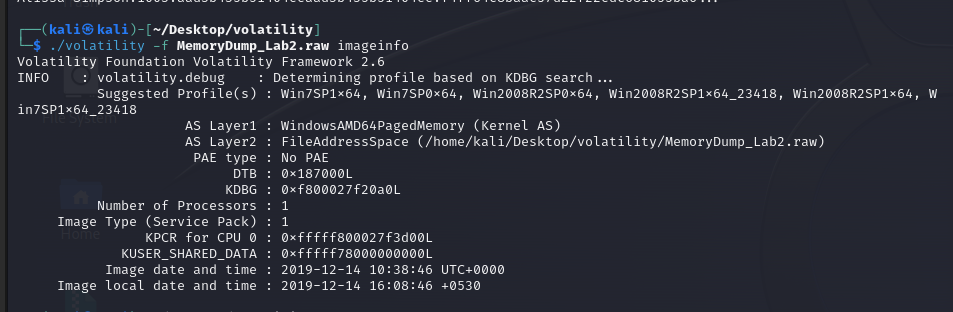
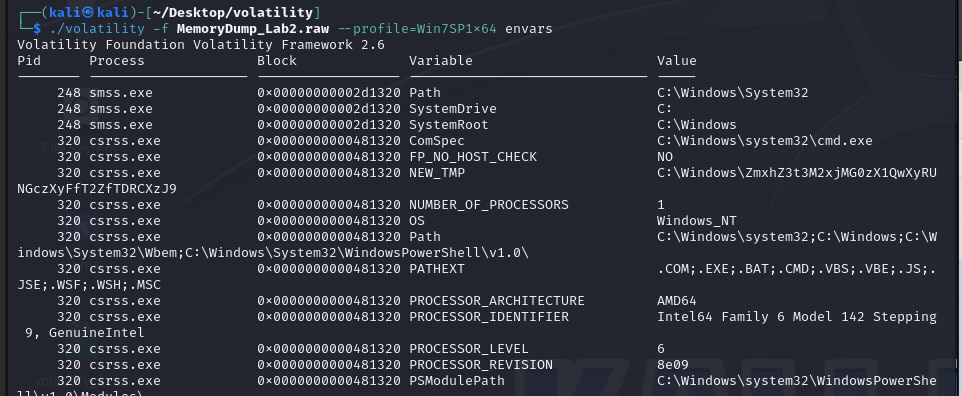
In the description “environmental” keyword gives us a hint so lets scan environment variables. When we scan environment variables we can see there is an encoded string ZmxhZ3t3M2xjMG0zX1QwXyRUNGczXyFfT2ZfTDRCXzJ9:
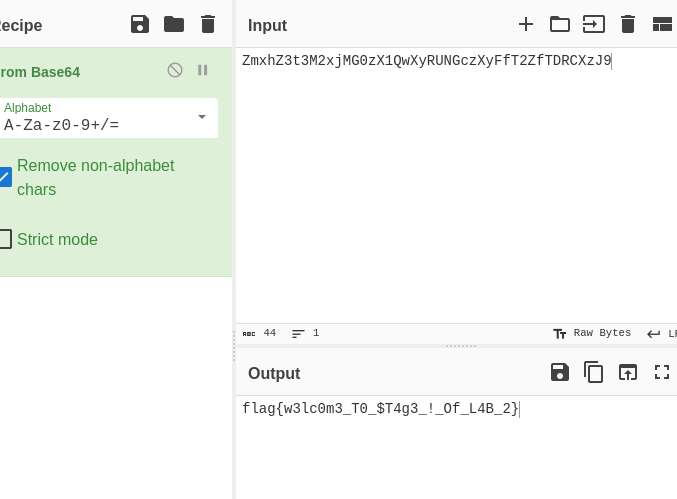
When we decode the string (Base64) it gives us the first flag:
Stage 2: KeePass Password Database
User uses KeePass as password manager so we have to look for the KeePass file extension:
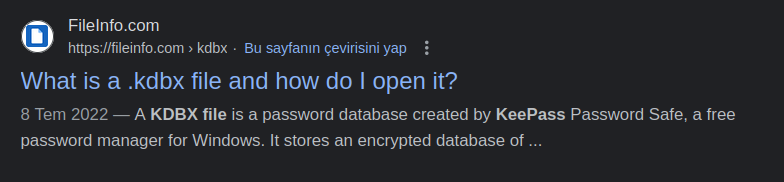
Then we should search and dump the .kdbx file:

Alright we dumped the file but we don’t know the password yet. Let’s go on investigating.
I tried to search files with .txt extension or files named password but I couldn’t find anything:

Then I tried to search the “password” keyword with grep -i to ignore case and there it is - a file named Password.png:
So let’s dump the file:

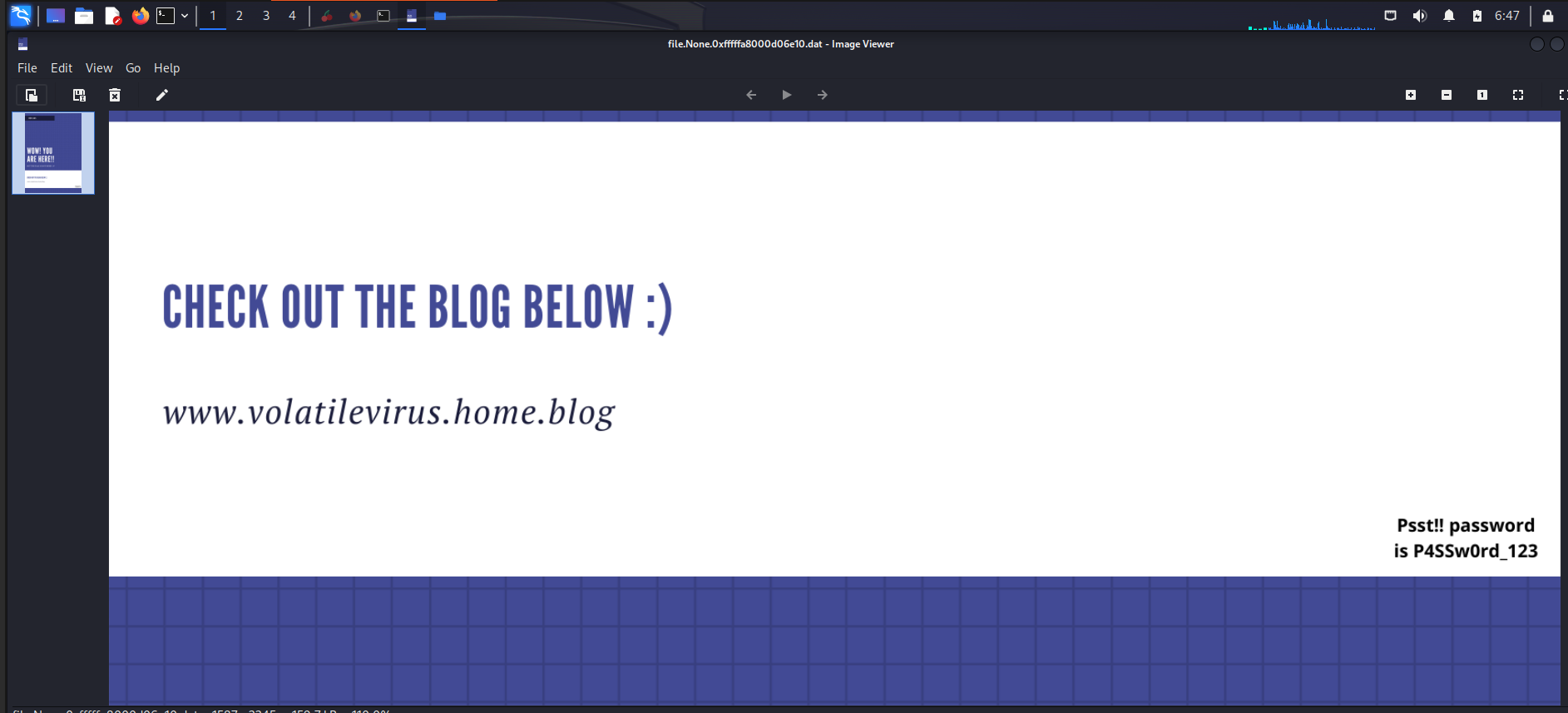
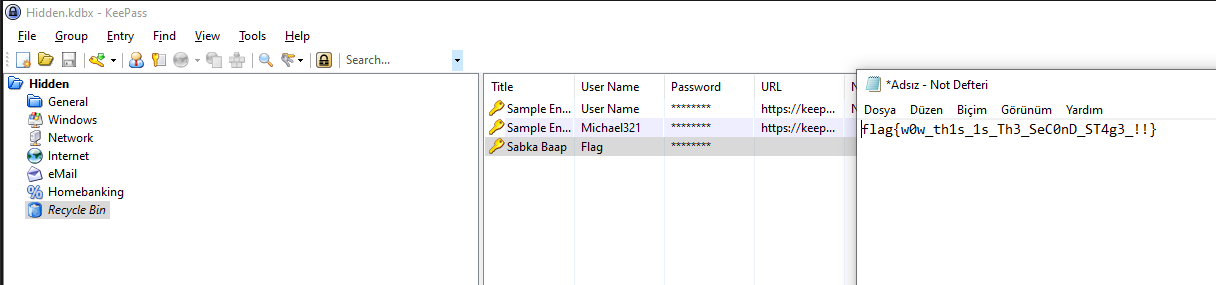
Good. Then I installed KeePass on my Windows 10 VM and I opened the password database. And there is the second flag:
Stage 3: Browser History
In the description also “browser” is quoted so let’s look at the browser history:

Dump the file:

And open it in SQLite:
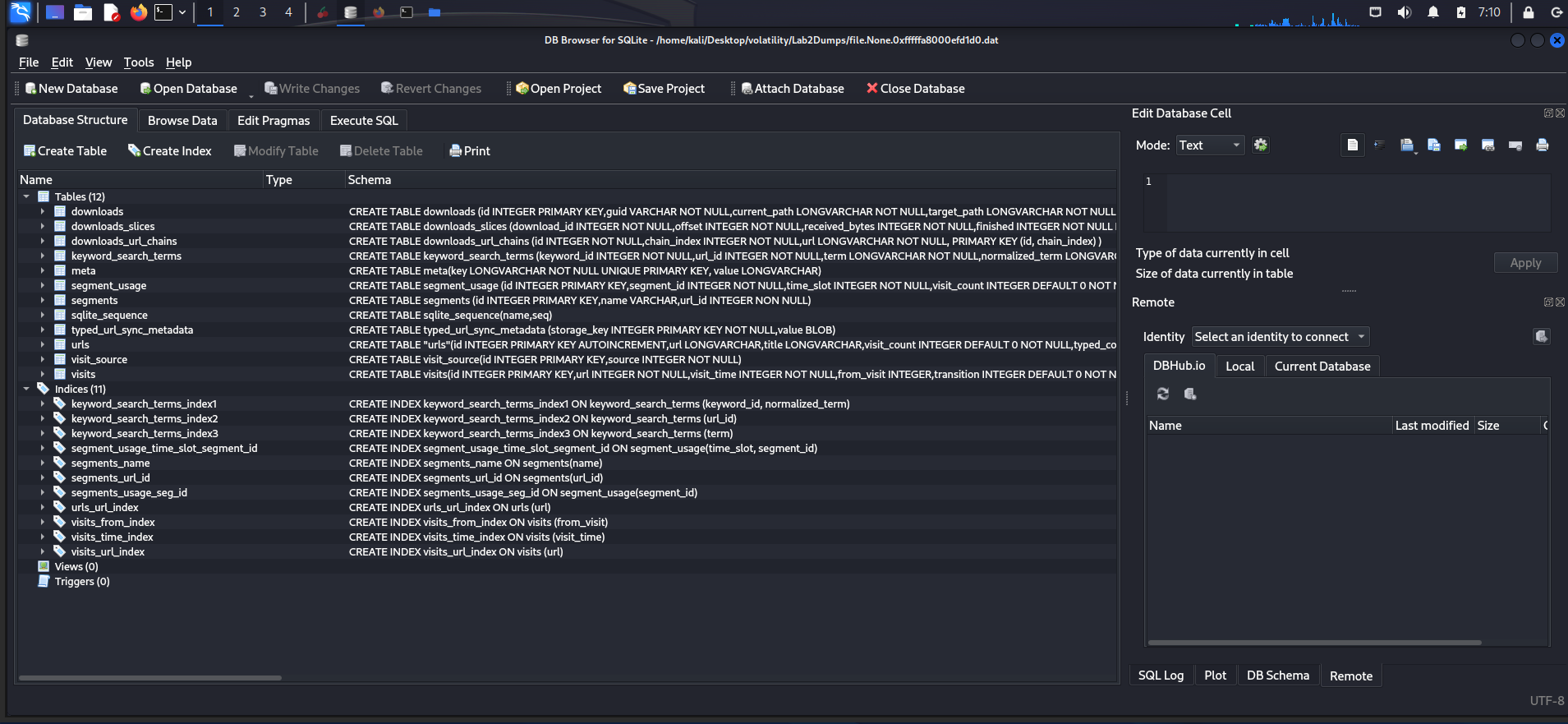
When you browse history there is a Mega link. Let’s check the link - there is a file named Important.zip. Try to unzip it.
This zip archive is password protected. But there is a hint:
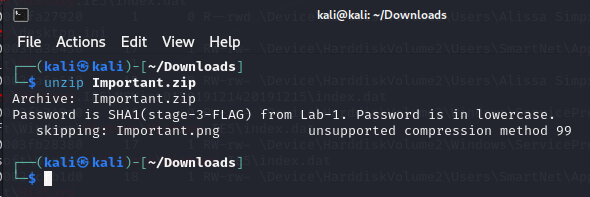
Encode stage 3 flag from Lab 1 with SHA and here is the password for the zip archive.
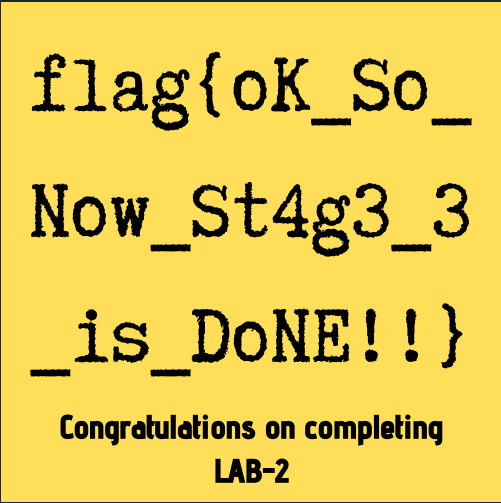
And there is the last flag in Lab 2:
Key Takeaways
- Keywords in quotes in challenge descriptions are usually hints (e.g., “environmental” → envars)
- KeePass databases (.kdbx) can be found in memory dumps
- Browser history files can be dumped and opened with SQLite browsers
- Flags from previous labs can be required in later challenges