Installation
Add the Jenkins repository and install:
sudo wget -O /usr/share/keyrings/jenkins-keyring.asc \
  https://pkg.jenkins.io/debian-stable/jenkins.io-2023.key
echo deb [signed-by=/usr/share/keyrings/jenkins-keyring.asc] \
  https://pkg.jenkins.io/debian-stable binary/ | sudo tee \
  /etc/apt/sources.list.d/jenkins.list > /dev/null
sudo apt-get update
sudo apt-get install jenkins
Access the Web Interface
After installation, Jenkins works on localhost:8080:
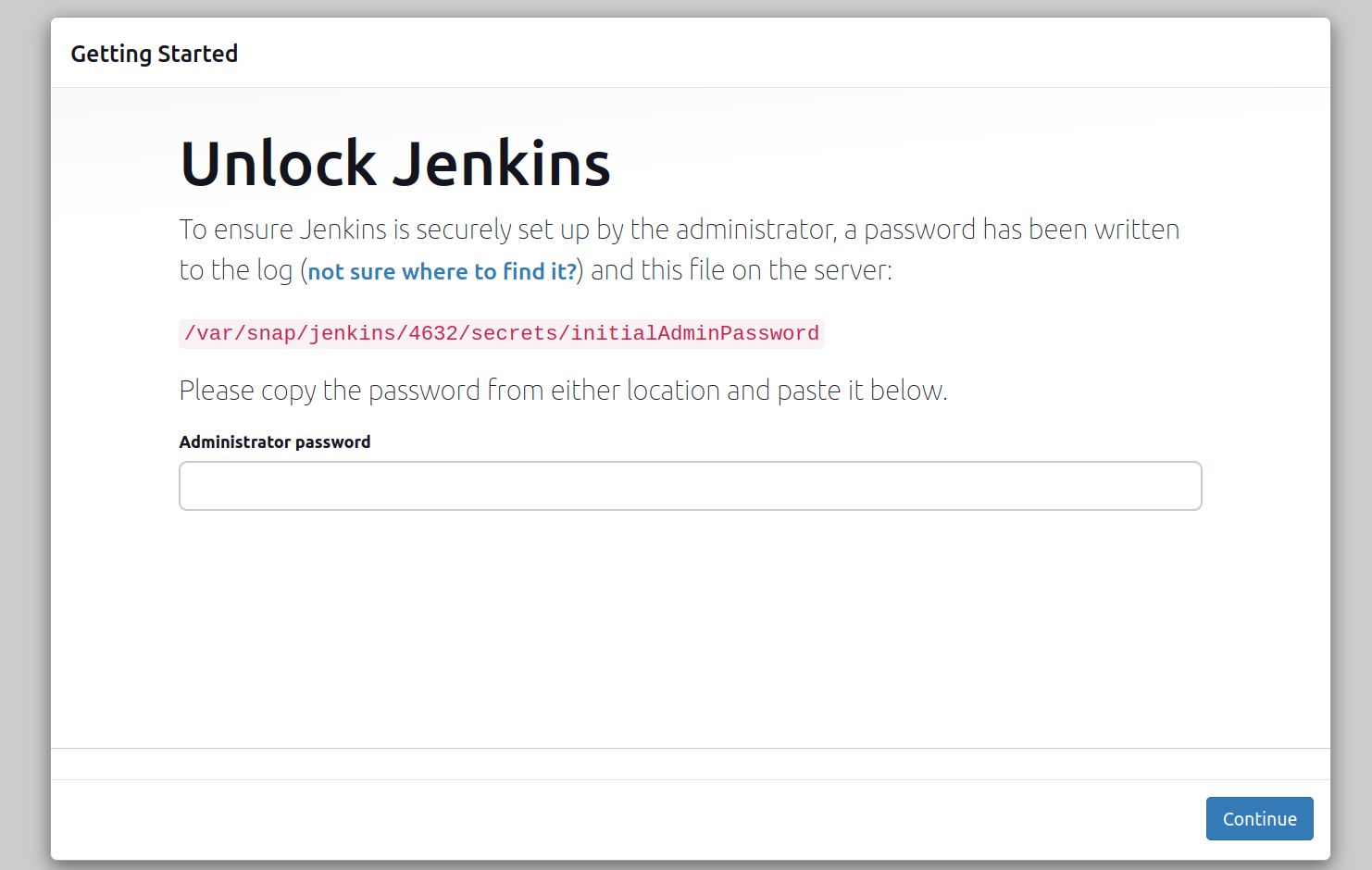
You can use cat command or a text editor to see the admin password (directory can change depending on your installation method):

Initial Setup
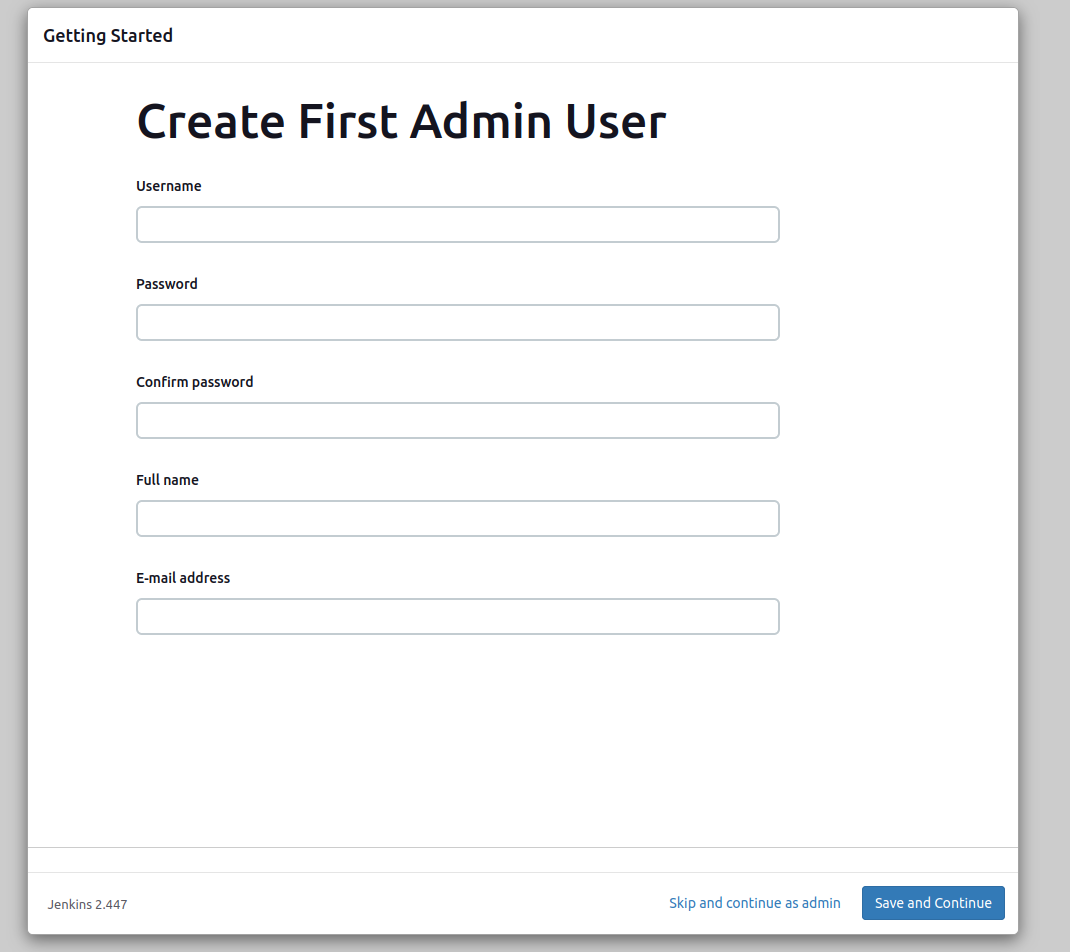
After you log in and install plugins you can create admin user:
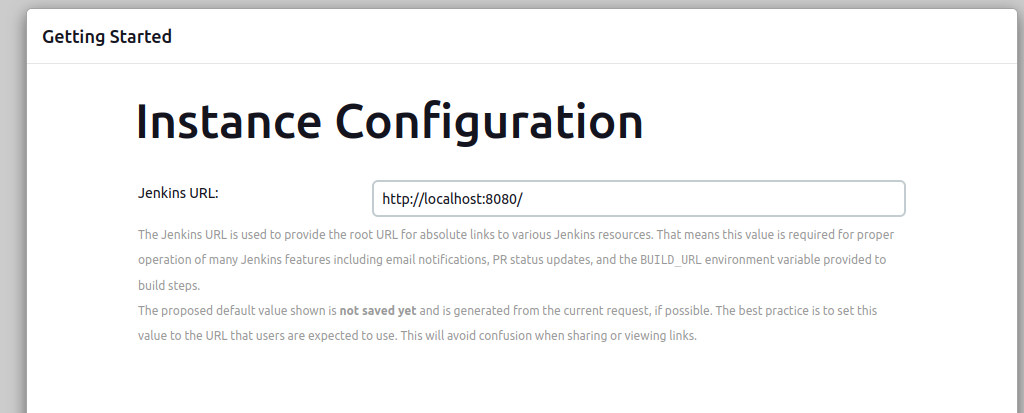
After you fill in the form, you can change port and URL of your Jenkins instance:
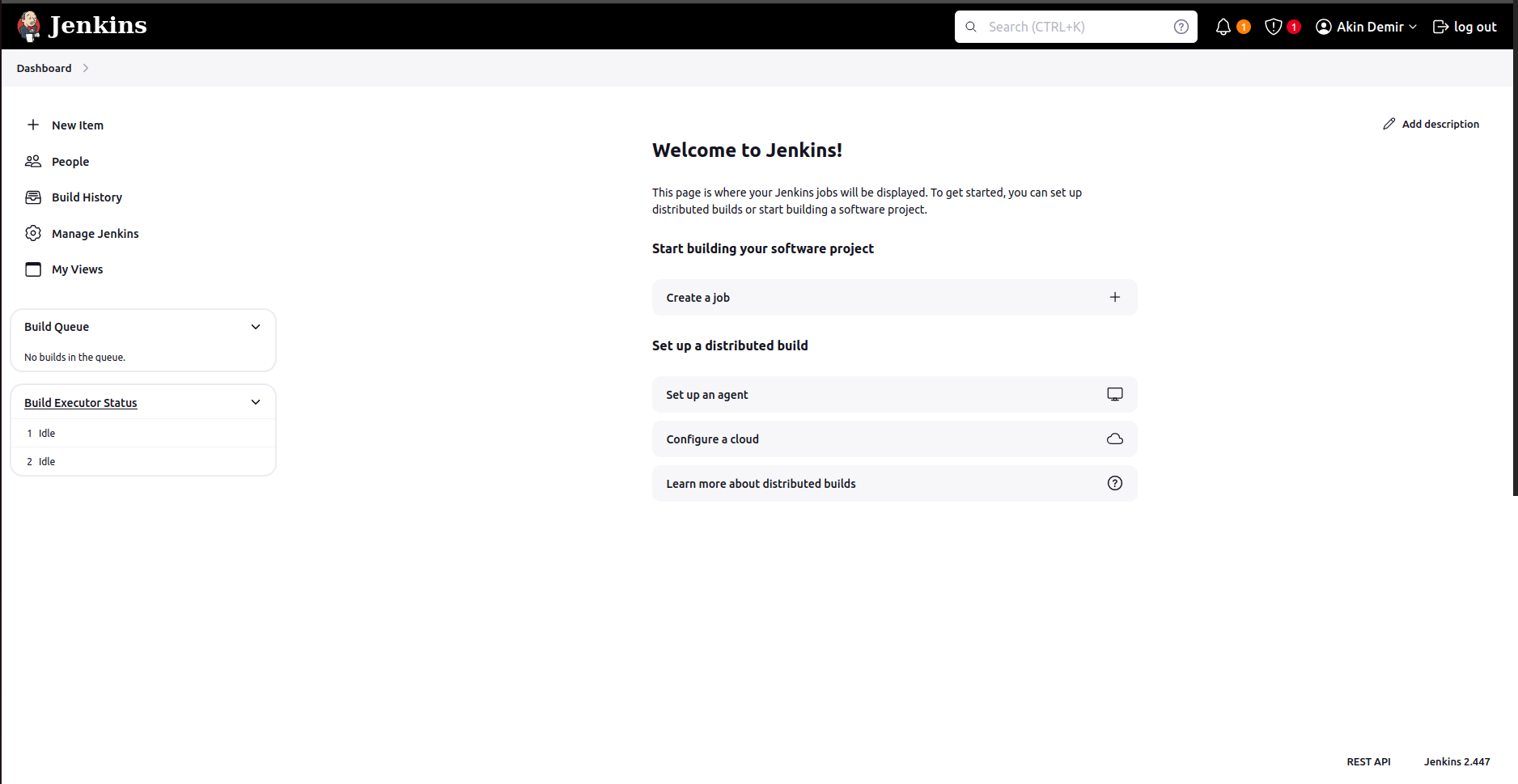
And here we successfully installed Jenkins:
Changing the Port
Jenkins starts on port 8080 by default. You can change the port in the web interface but sometimes you need to start Jenkins from a different port. To do this, go to the Jenkins directory /opt/jenkins/ or /snap/jenkins and run:
java -jar jenkins.war --httpPort=<port_number>