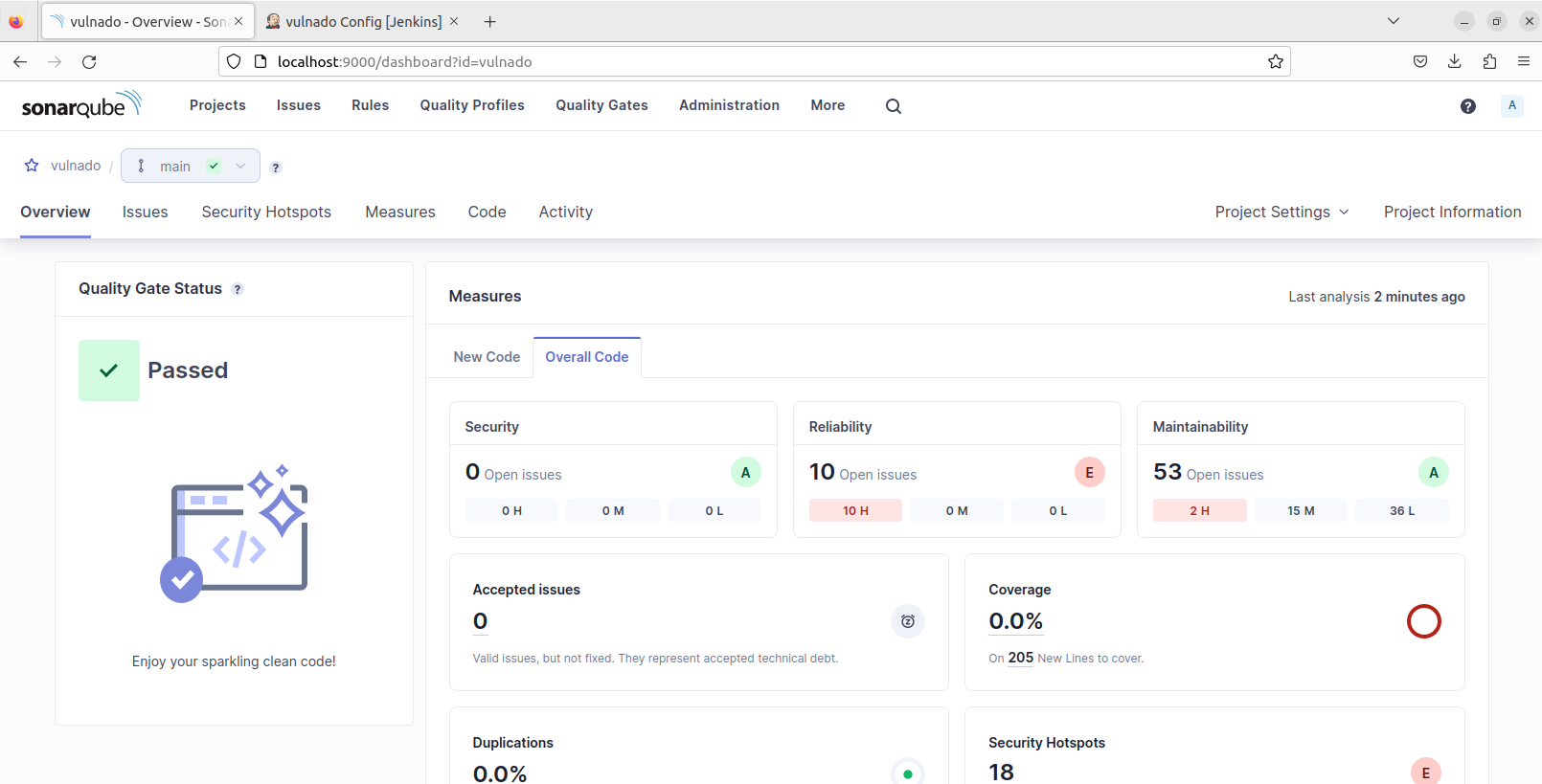
In this project we will integrate SonarQube in Jenkins and automate security testing with a CI/CD pipeline.
Technologies:
- Jenkins (Local installation)
- SonarQube (Dockerized)
We will use a vulnerable web application named Vulnado for testing.
Jenkins Installation
There are different ways to install Jenkins but I chose the easiest way. You can install Jenkins with package managers like apt/snap or follow the official installation guide. Also you can run Jenkins on Docker but this is not preferred.

Docker Installation
We are installing Docker to run SonarQube on Docker:

Configuring Jenkins
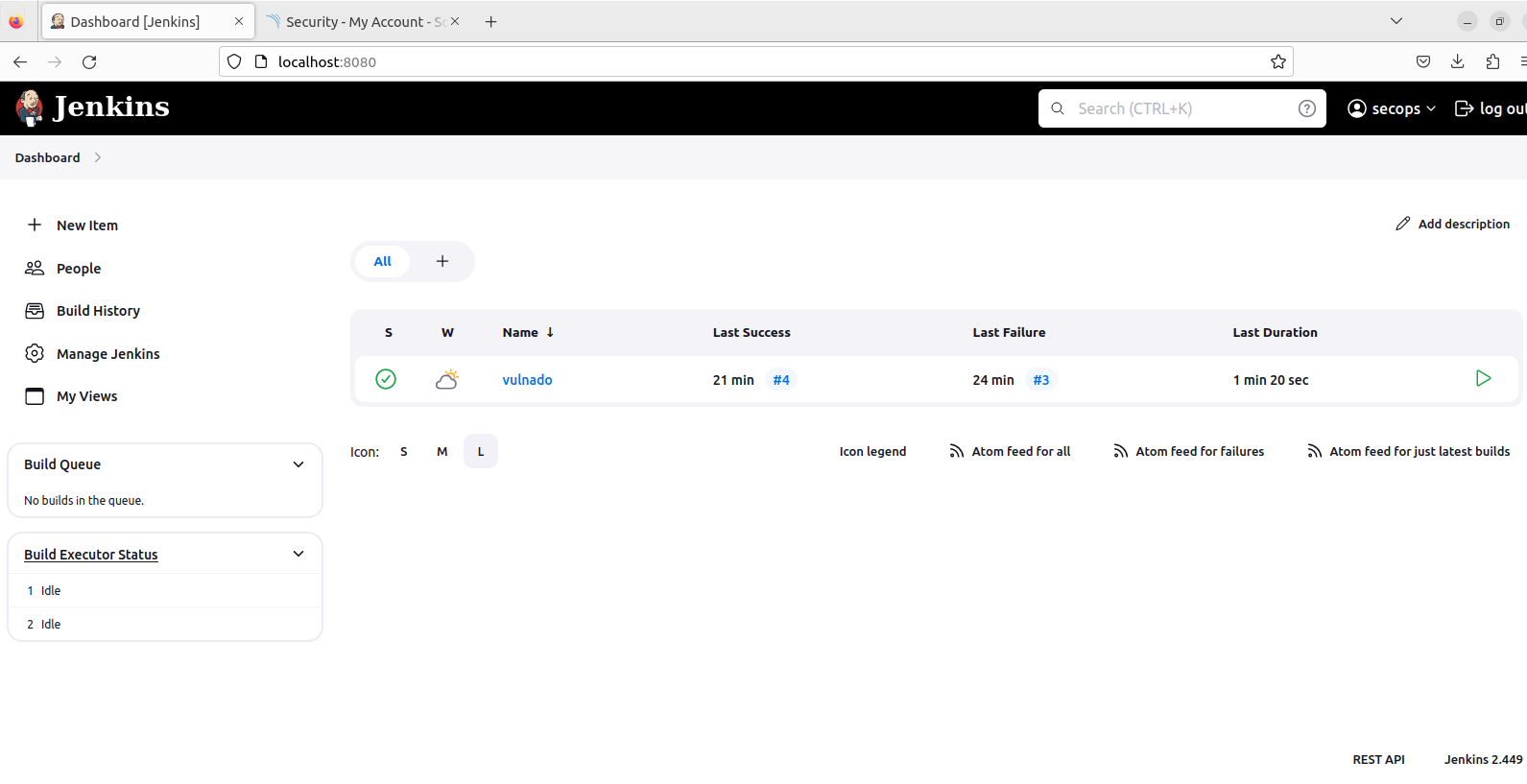
After installation you can reach Jenkins’s web interface from browser at localhost:8080 (default):
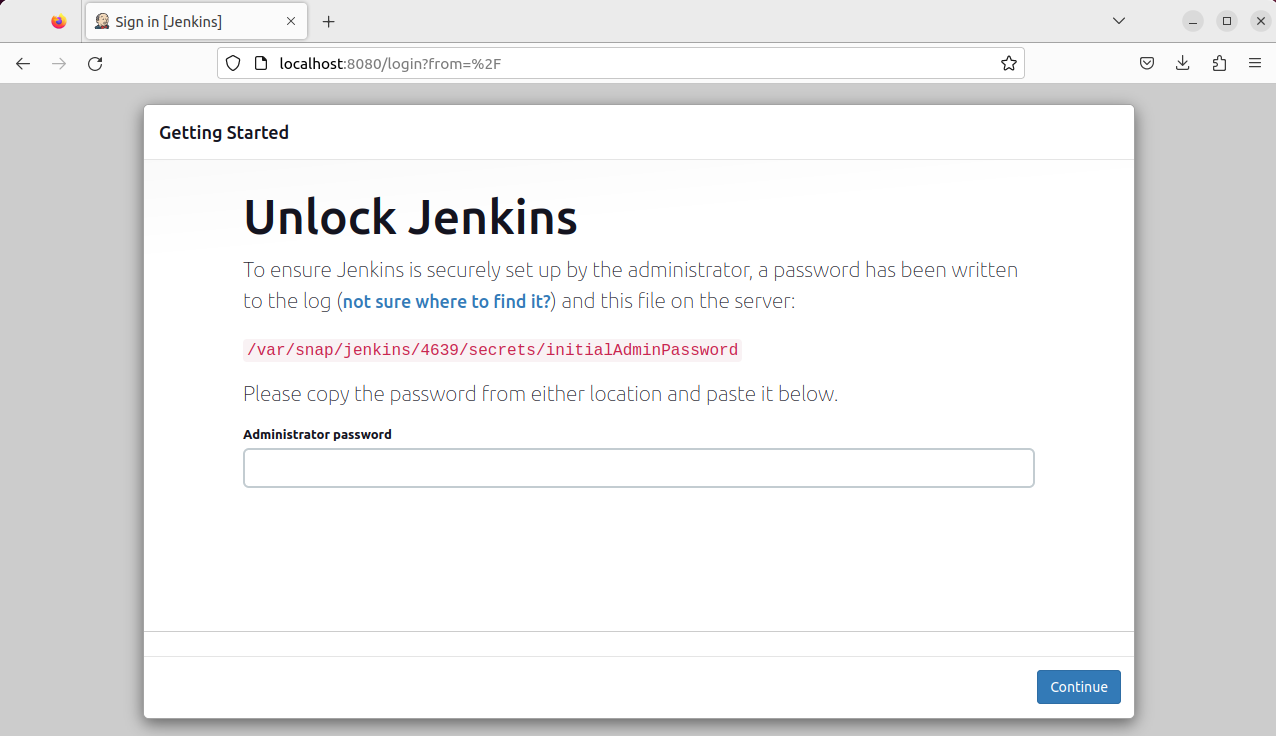
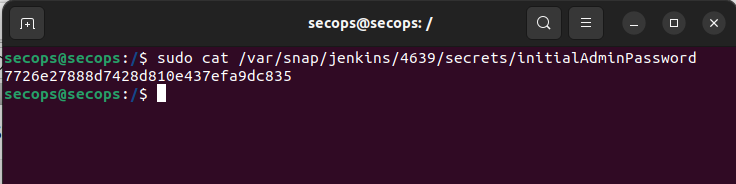
Getting the initial admin password:
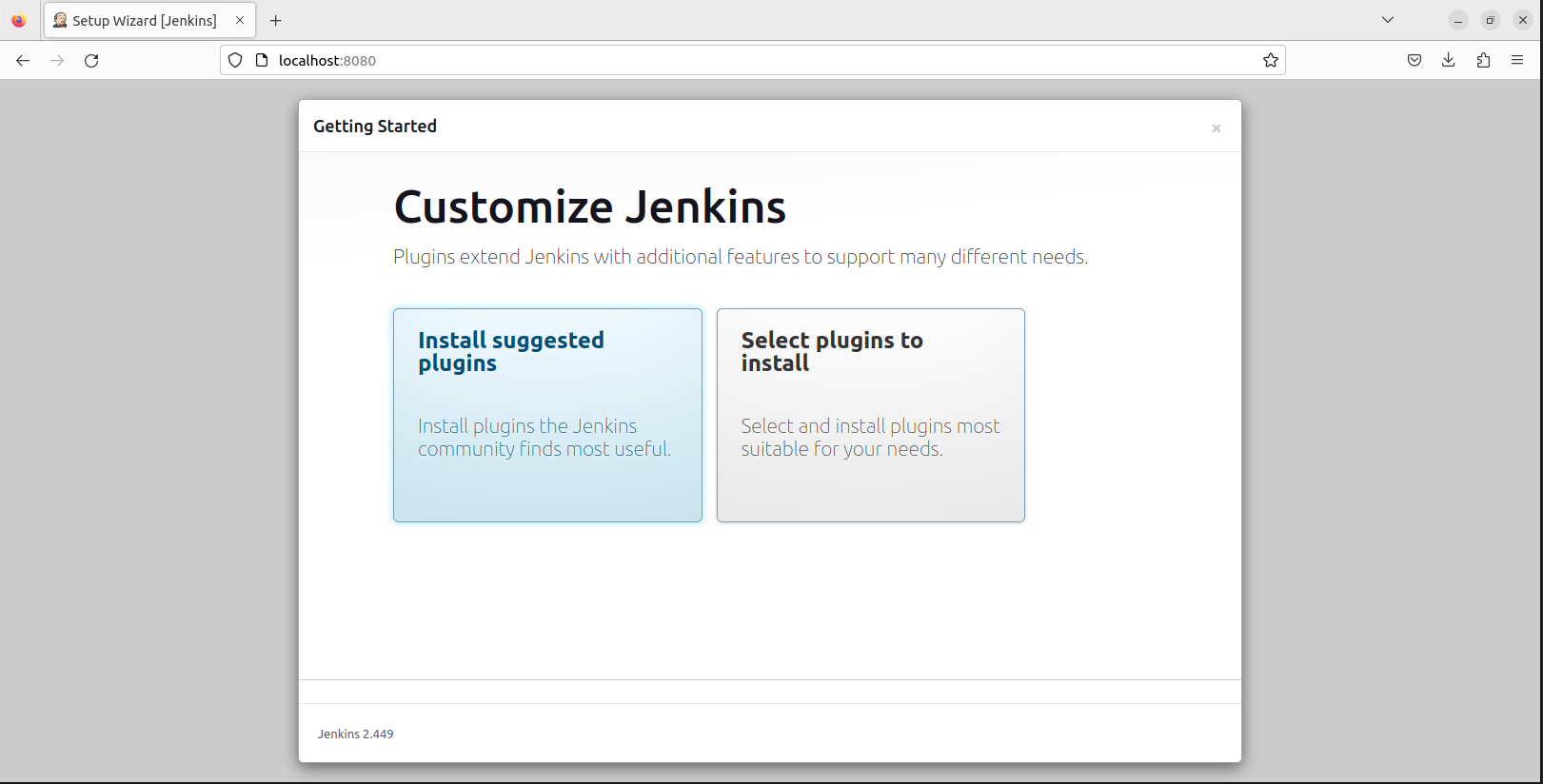
After you logged in, Jenkins asks which plugins to install. I chose suggested plugins:
Create the first admin user:

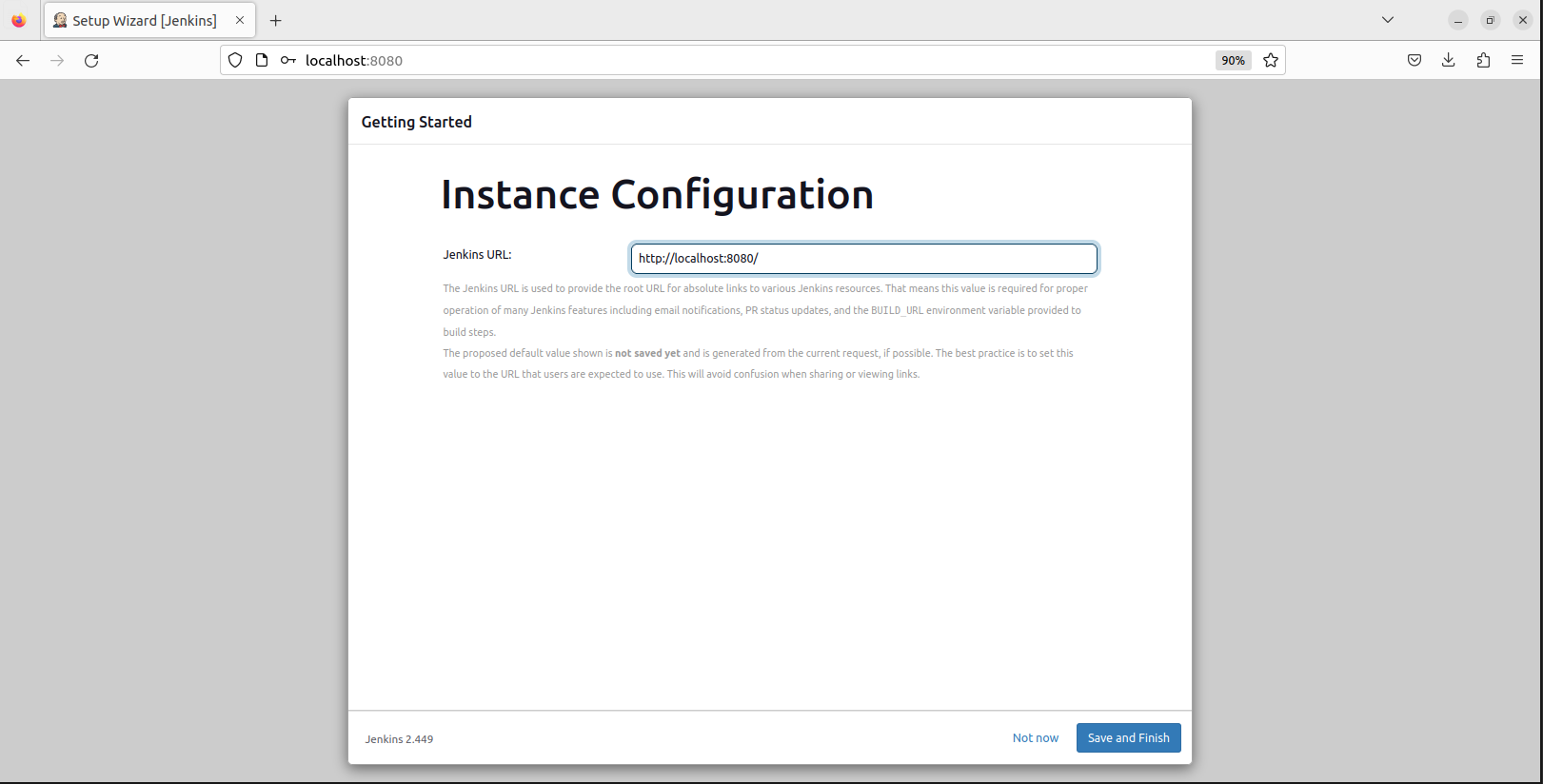
Configure the Jenkins URL:
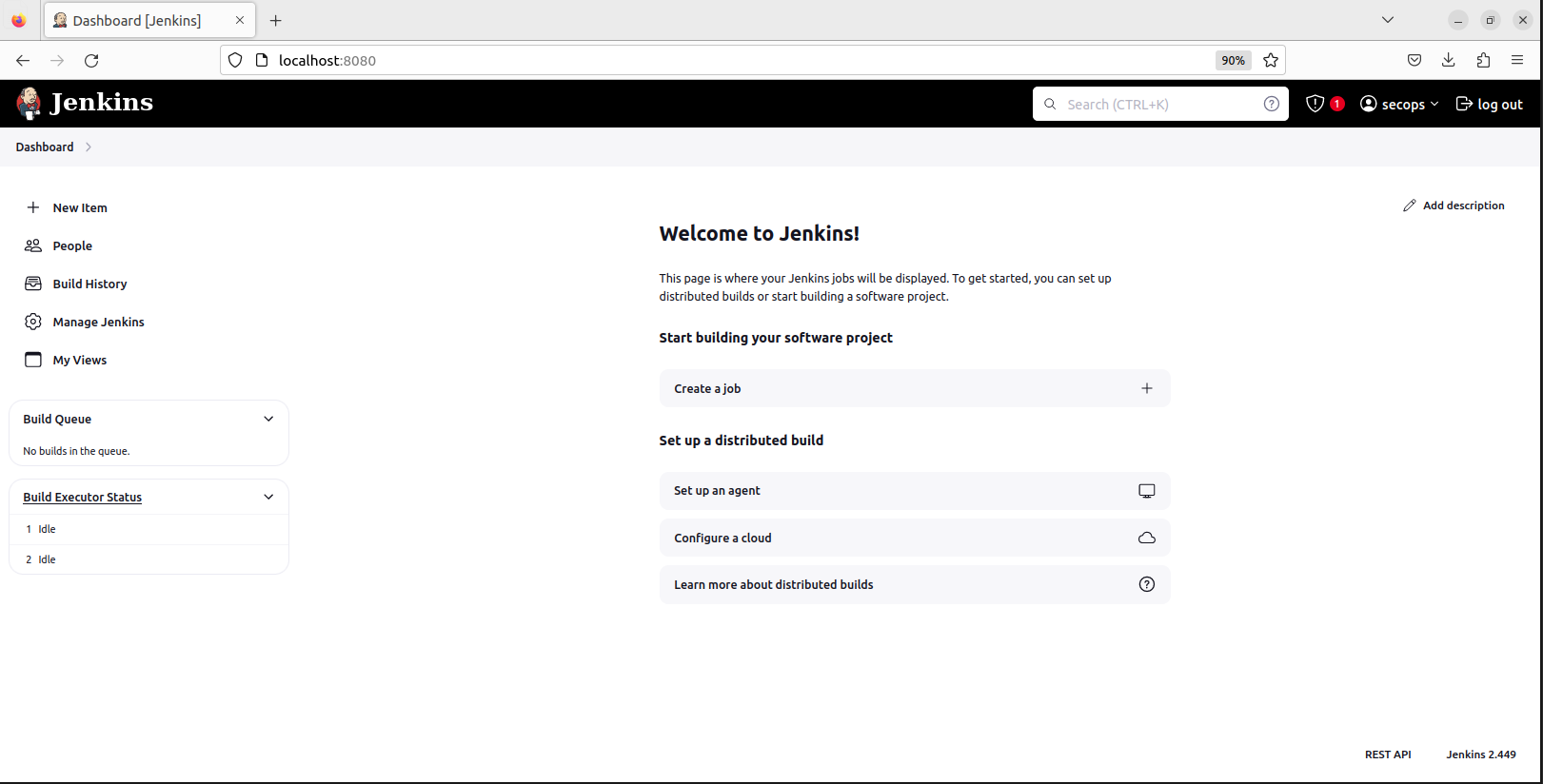
And here’s the Jenkins main page:
Creating the Pipeline
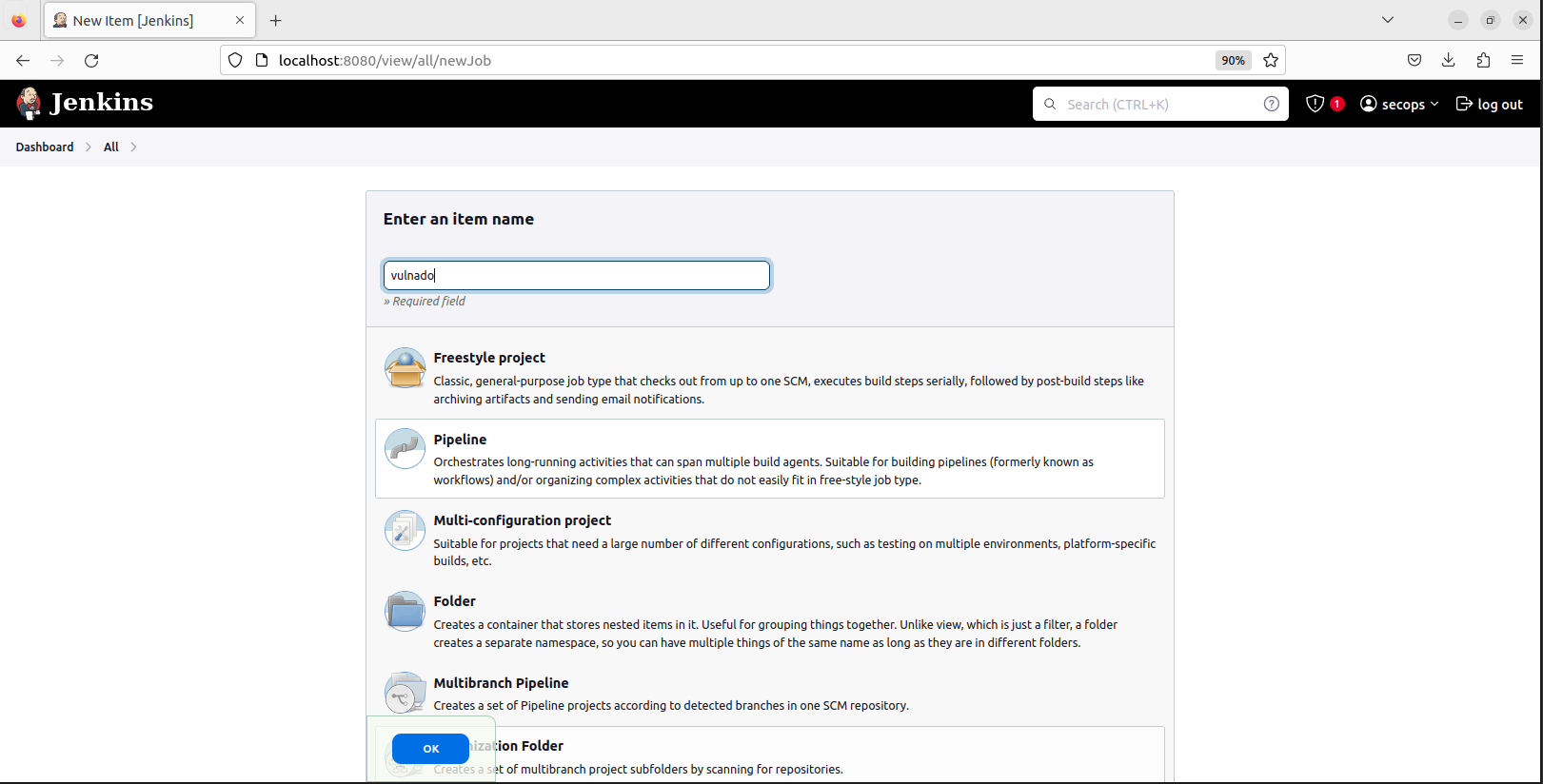
Press “New Item”, select Pipeline and give it a name:
In the opened page scroll down to the Pipeline section. This is the editor we are going to use:
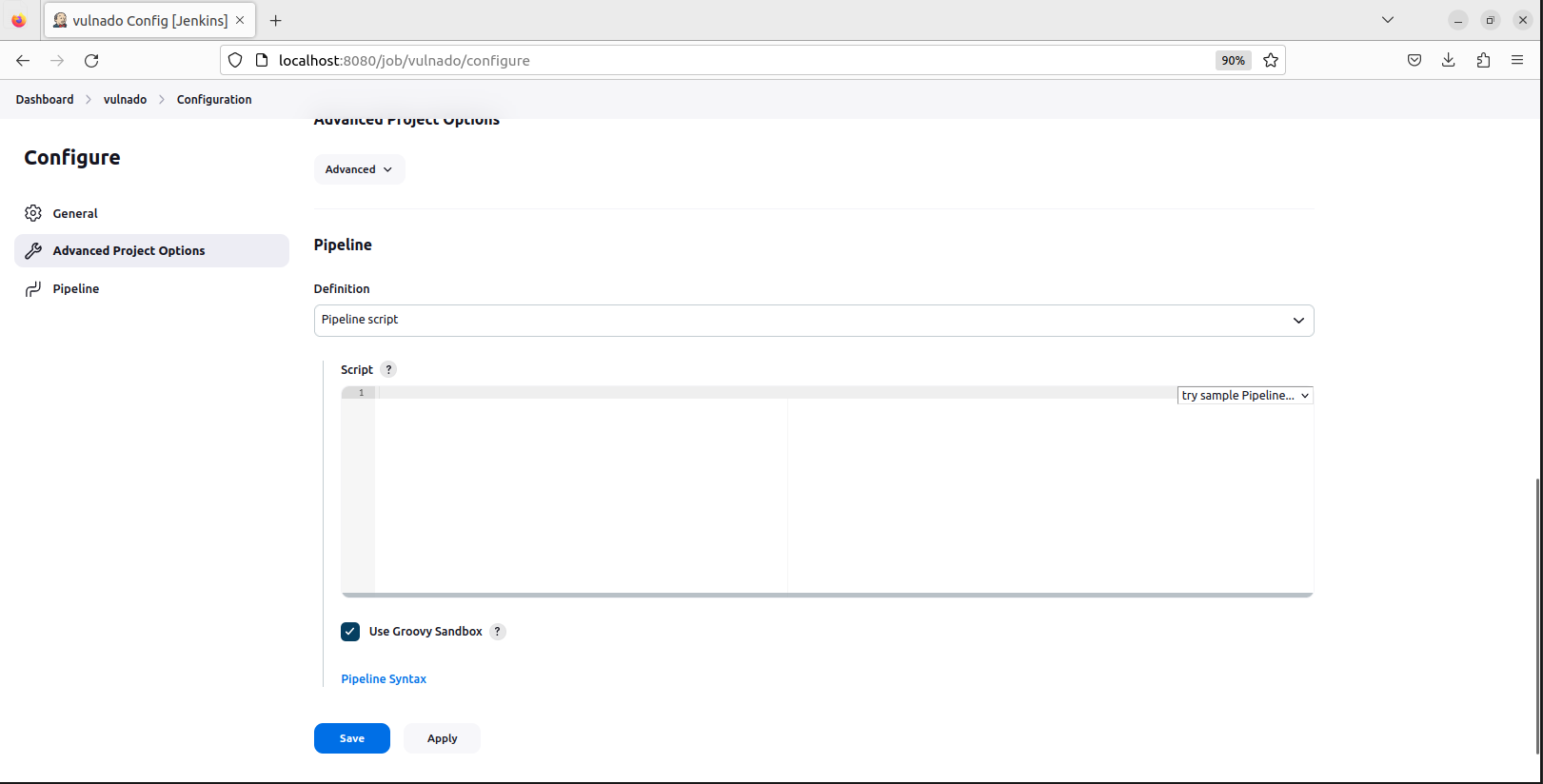
Jenkins has a syntax for pipeline scripting. It’s easy to understand and use.
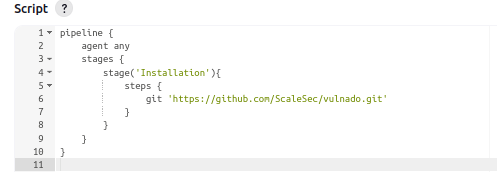
Stage 1: Install the Project
The first part of our pipeline - installing the project from Git:
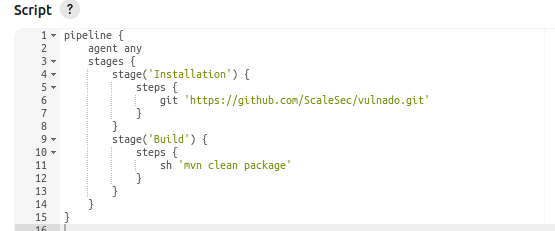
Stage 2: Build the Project
Second part - building the project (before build: sudo apt-get install maven -y):
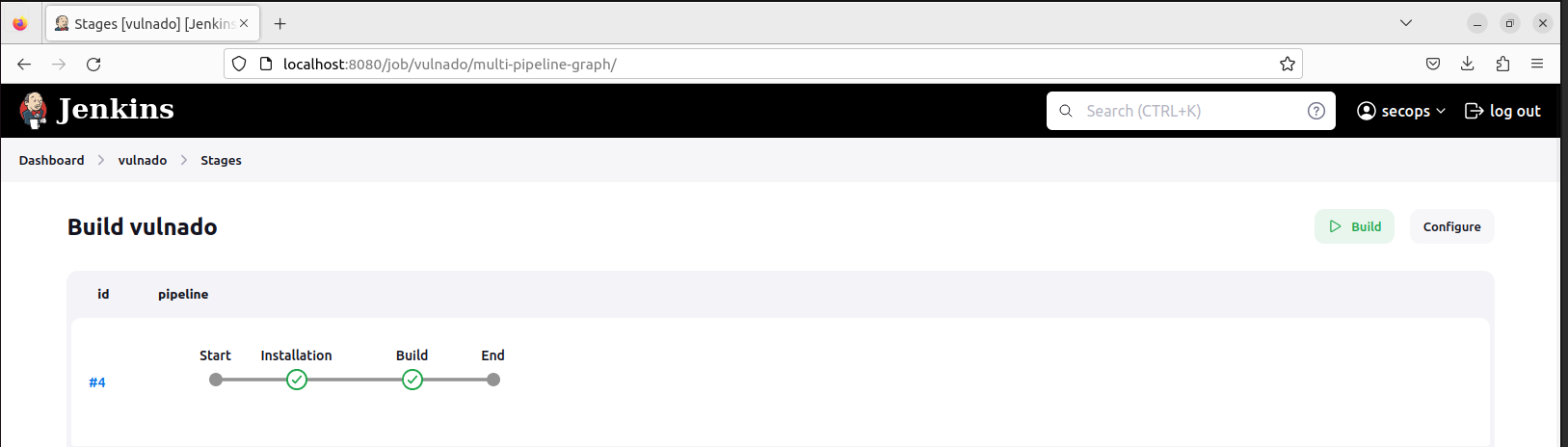
After building, your pipeline should look like this:
Setting Up SonarQube
We have installed and built the project in Jenkins. Now let’s start security testing!
Pull the SonarQube image:

Run SonarQube in a container:

Check if it’s working:

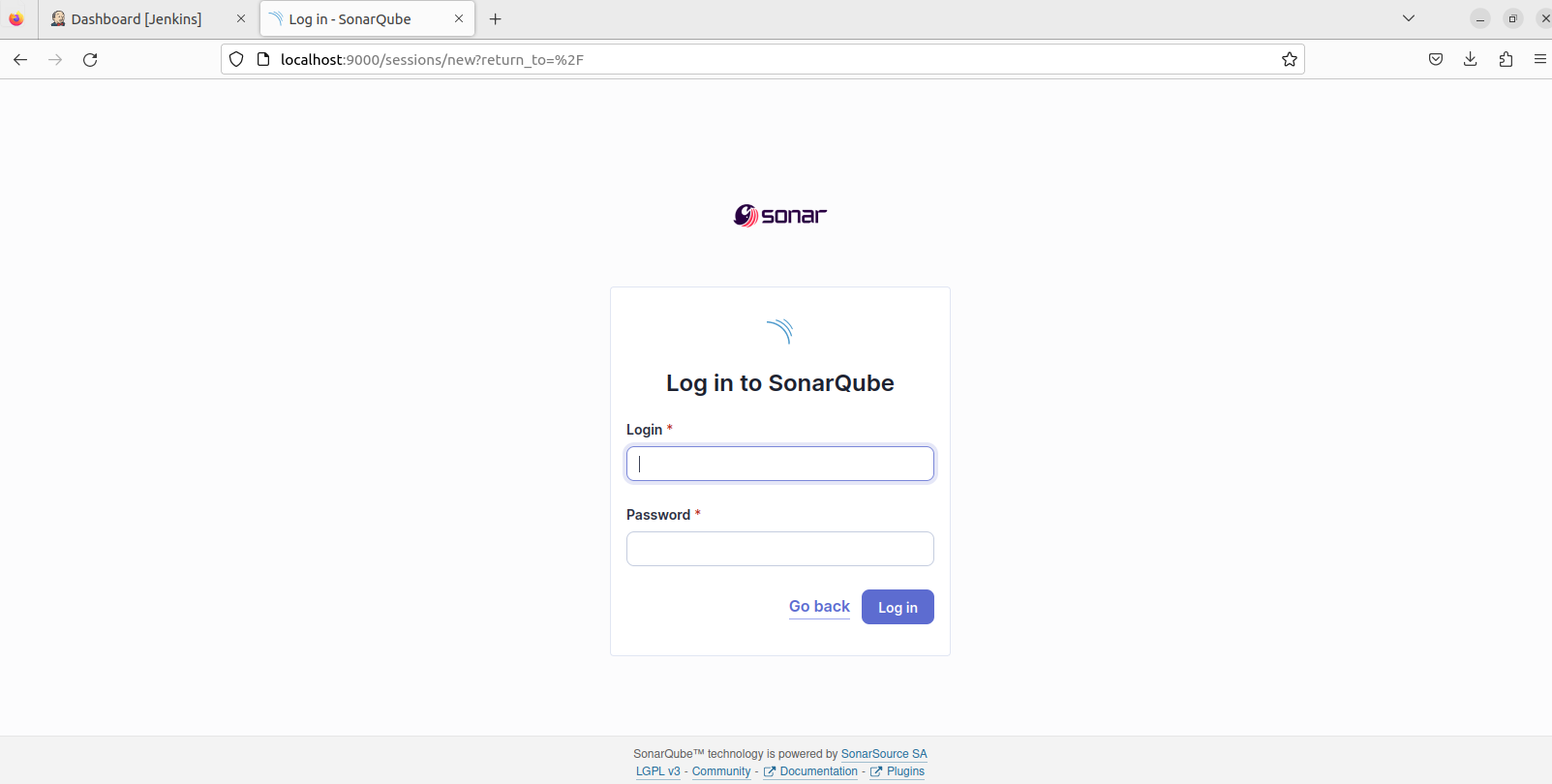
Access SonarQube at localhost:9000 with default credentials admin:admin:
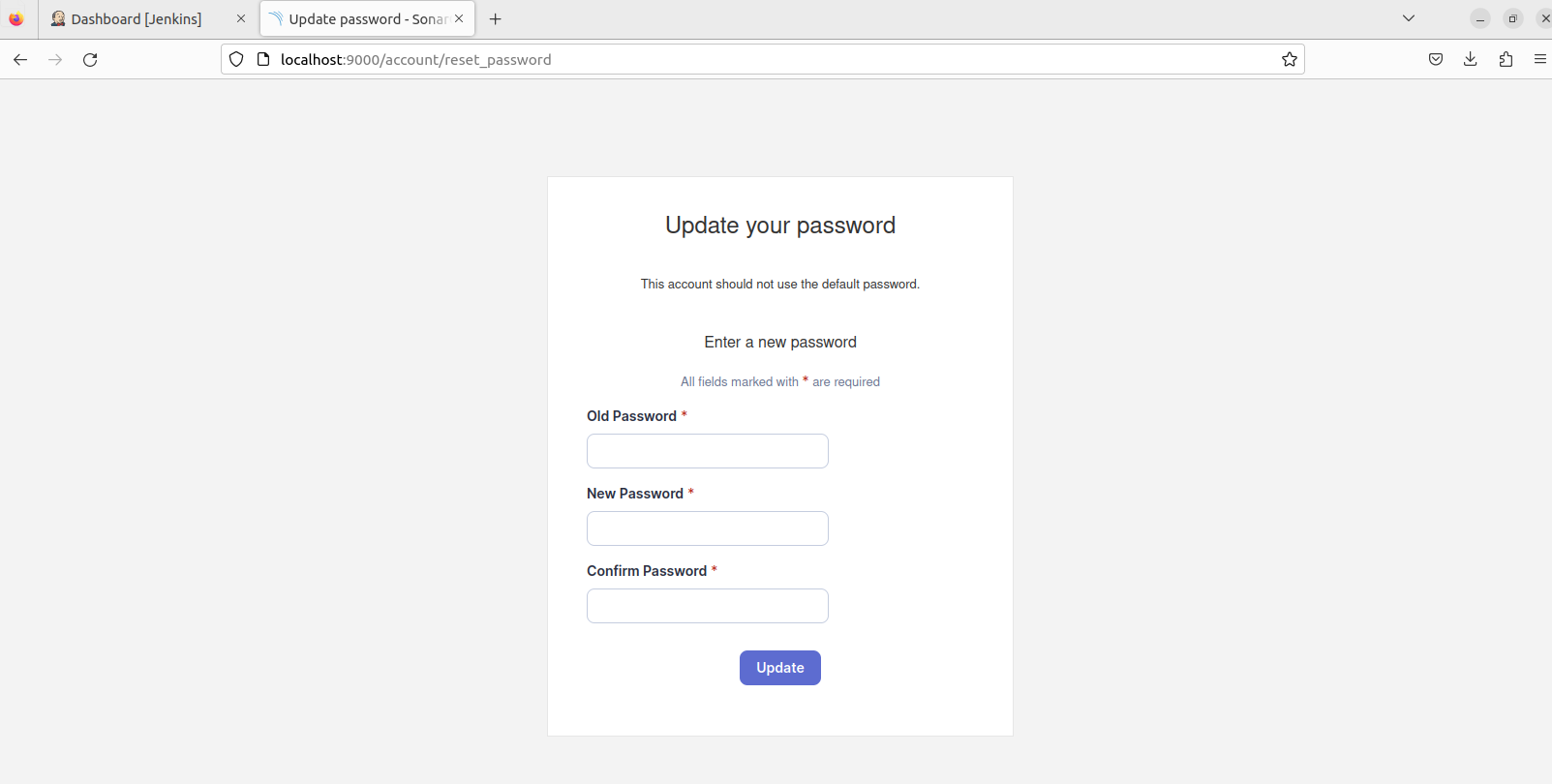
Reset your password:
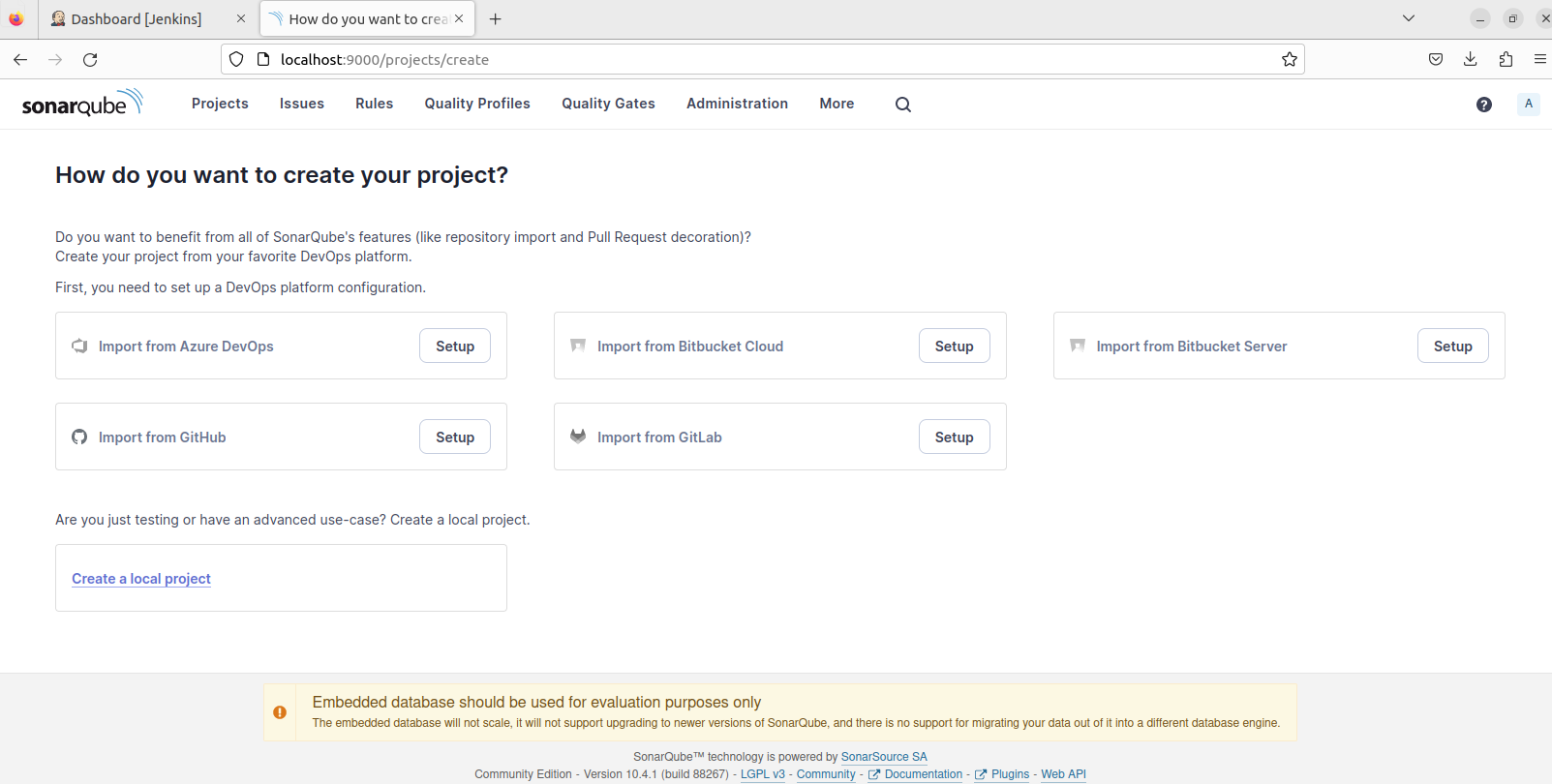
SonarQube Project Setup
Choose “Create a local project”:
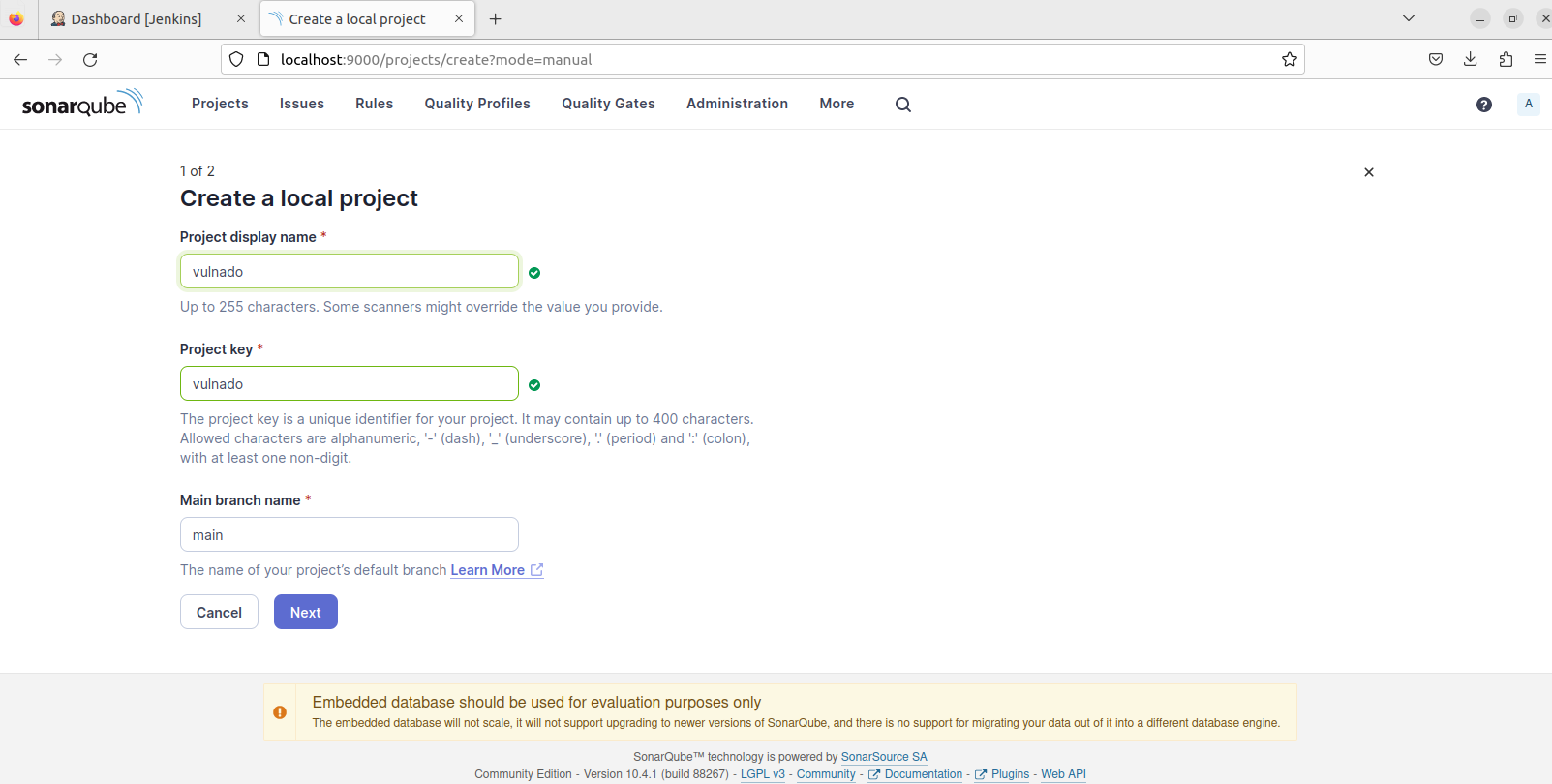
Fill the name and key:
Choose “Use global settings”:

Choose Jenkins as analysis method:
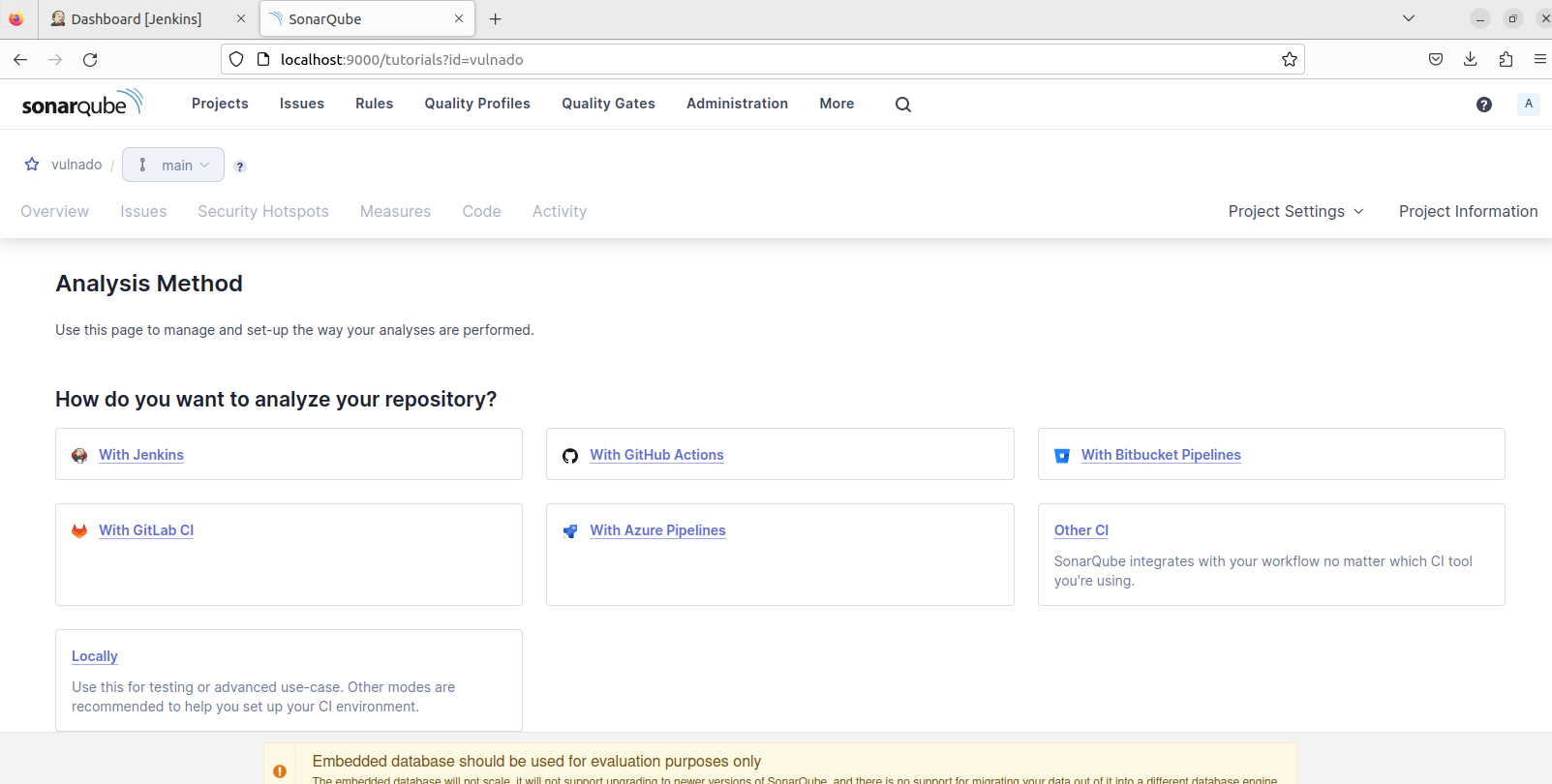
Choose GitHub:
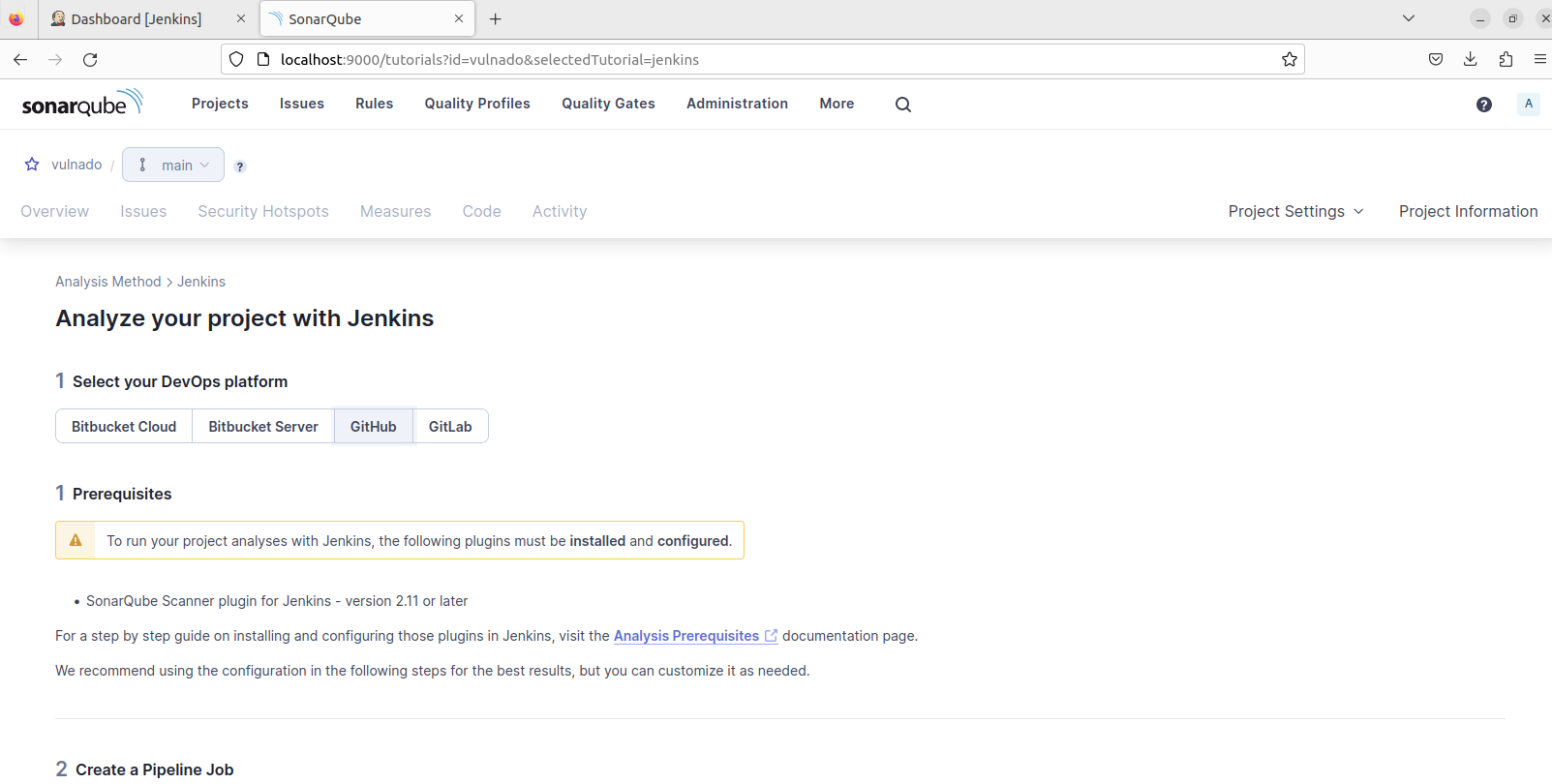
Choose Maven - SonarQube gives us a Jenkinsfile but this script needs modification:
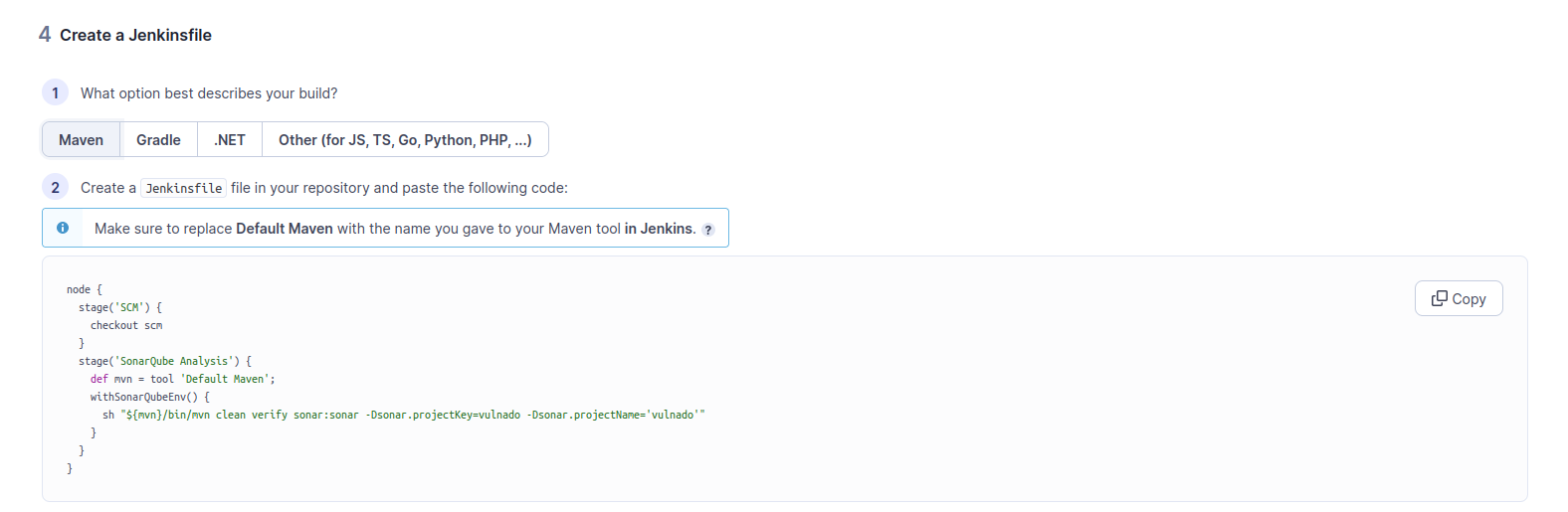
Integrating SonarQube with Jenkins
In SonarQube, go to My Account > Security > Generate new token (Global Analysis Token):

In Jenkins Dashboard > Manage Jenkins:
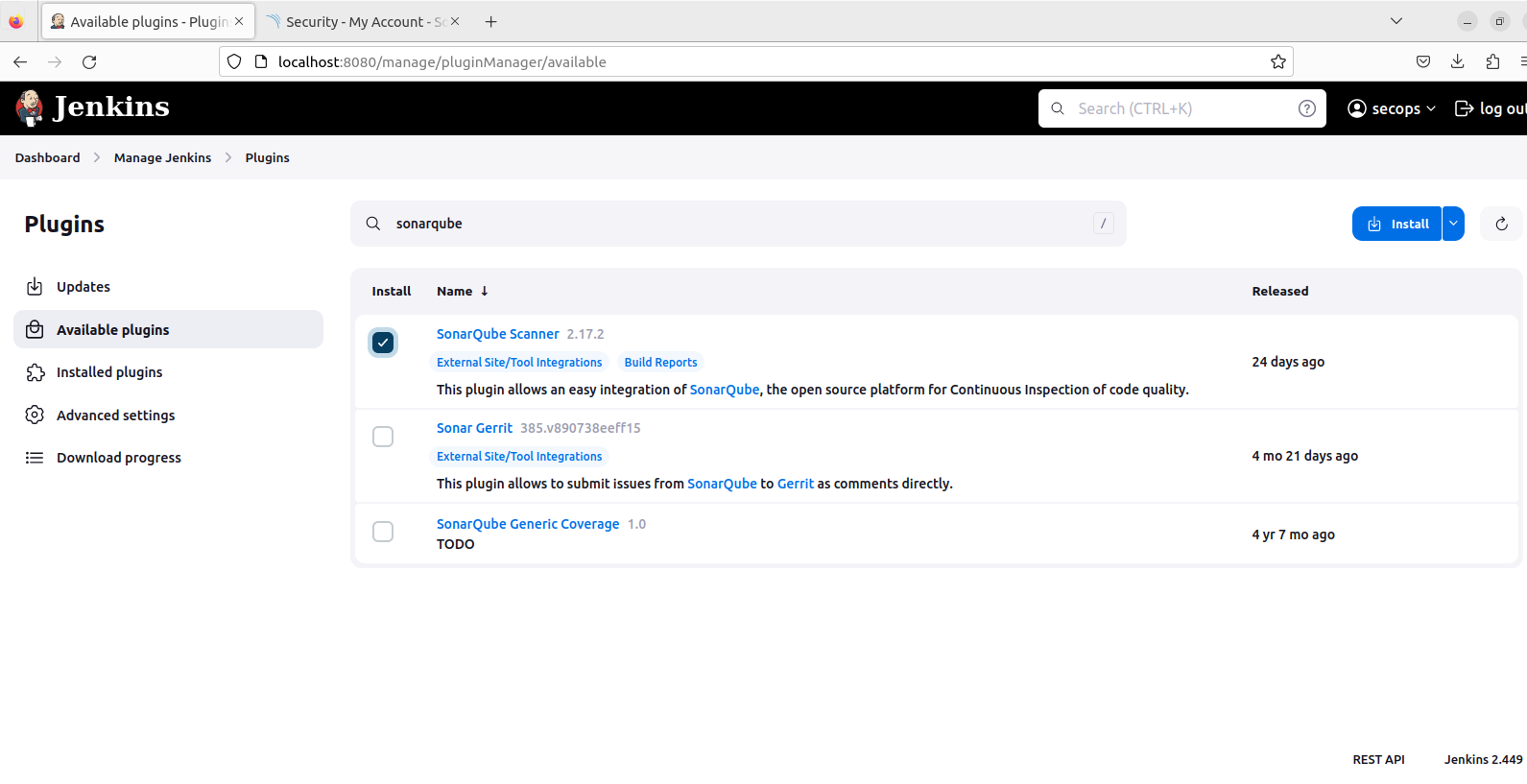
Install the SonarQube Scanner plugin:
Go to Manage Jenkins > Credentials > Add credential:
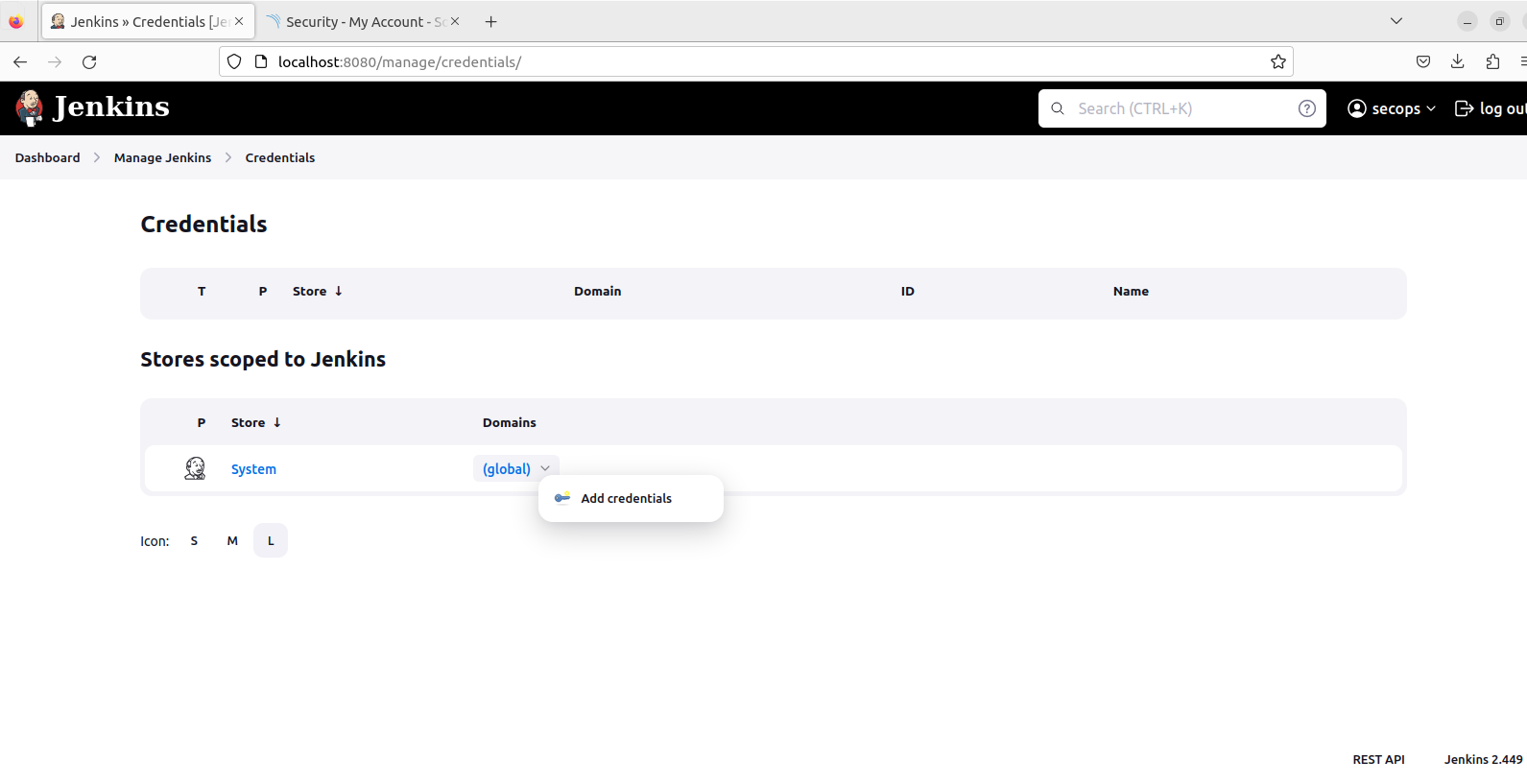
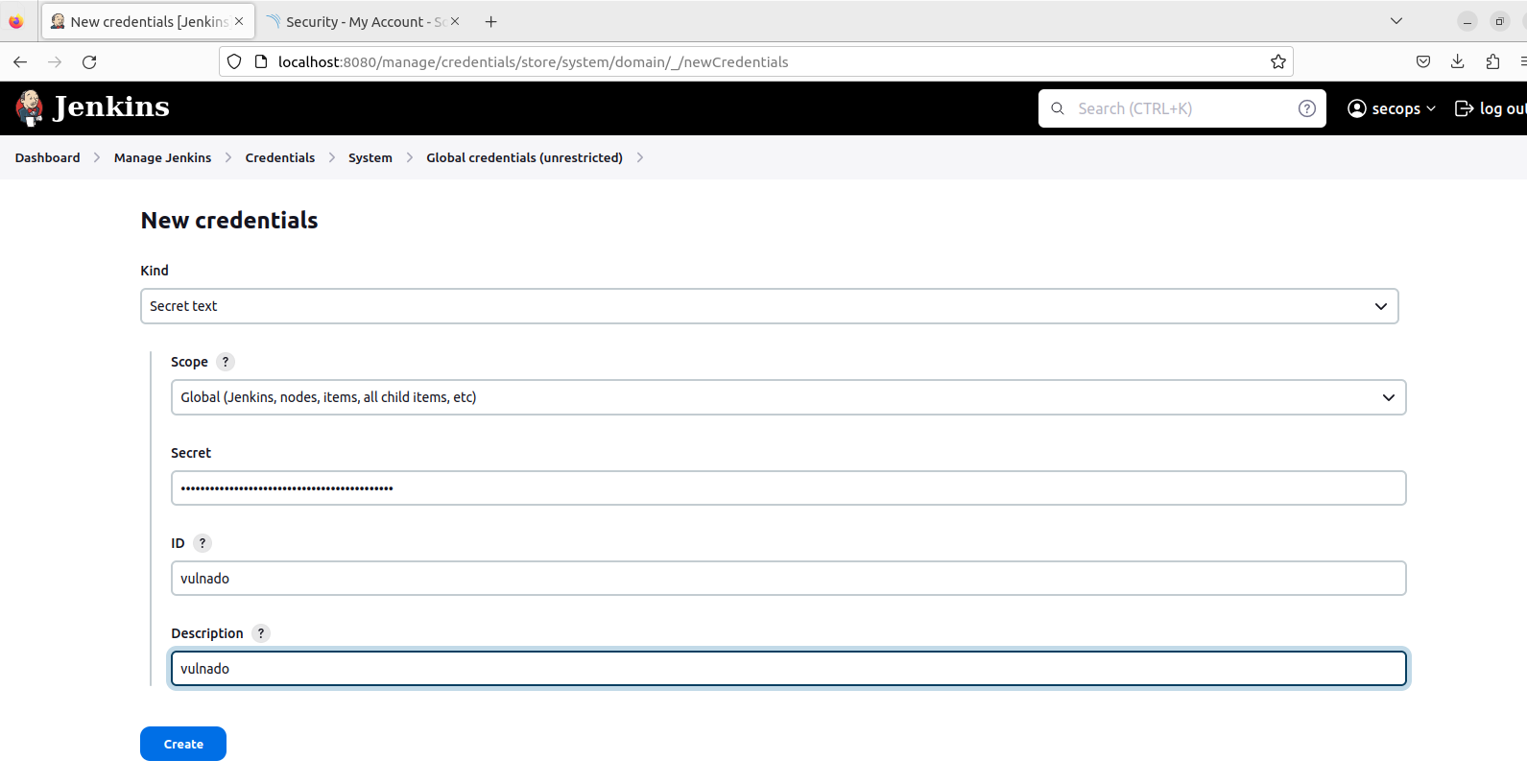
Select “Secret text” and paste the SonarQube Global Analysis Token:
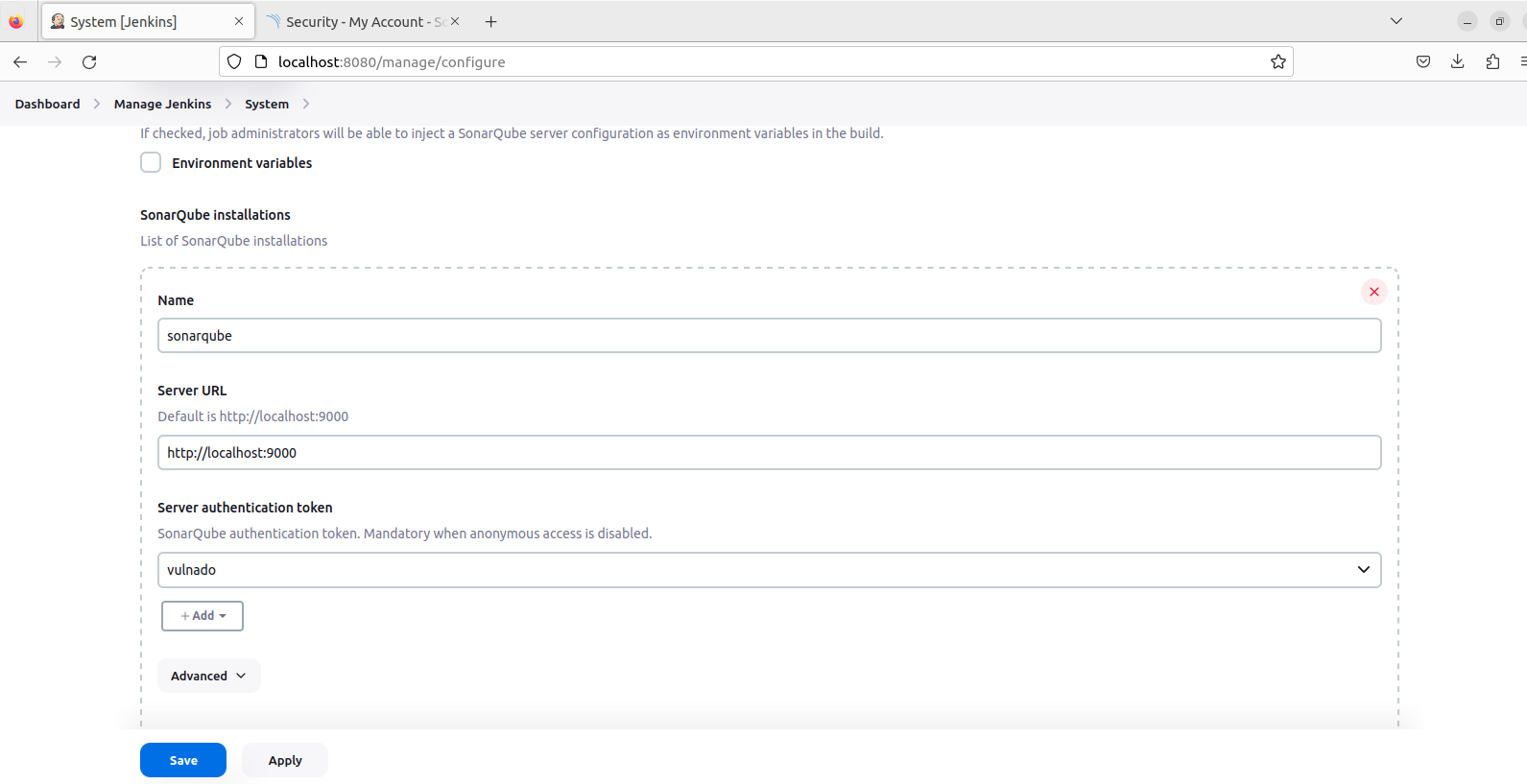
Manage Jenkins > System > SonarQube installations. Give a name, write the URL, and choose the token:
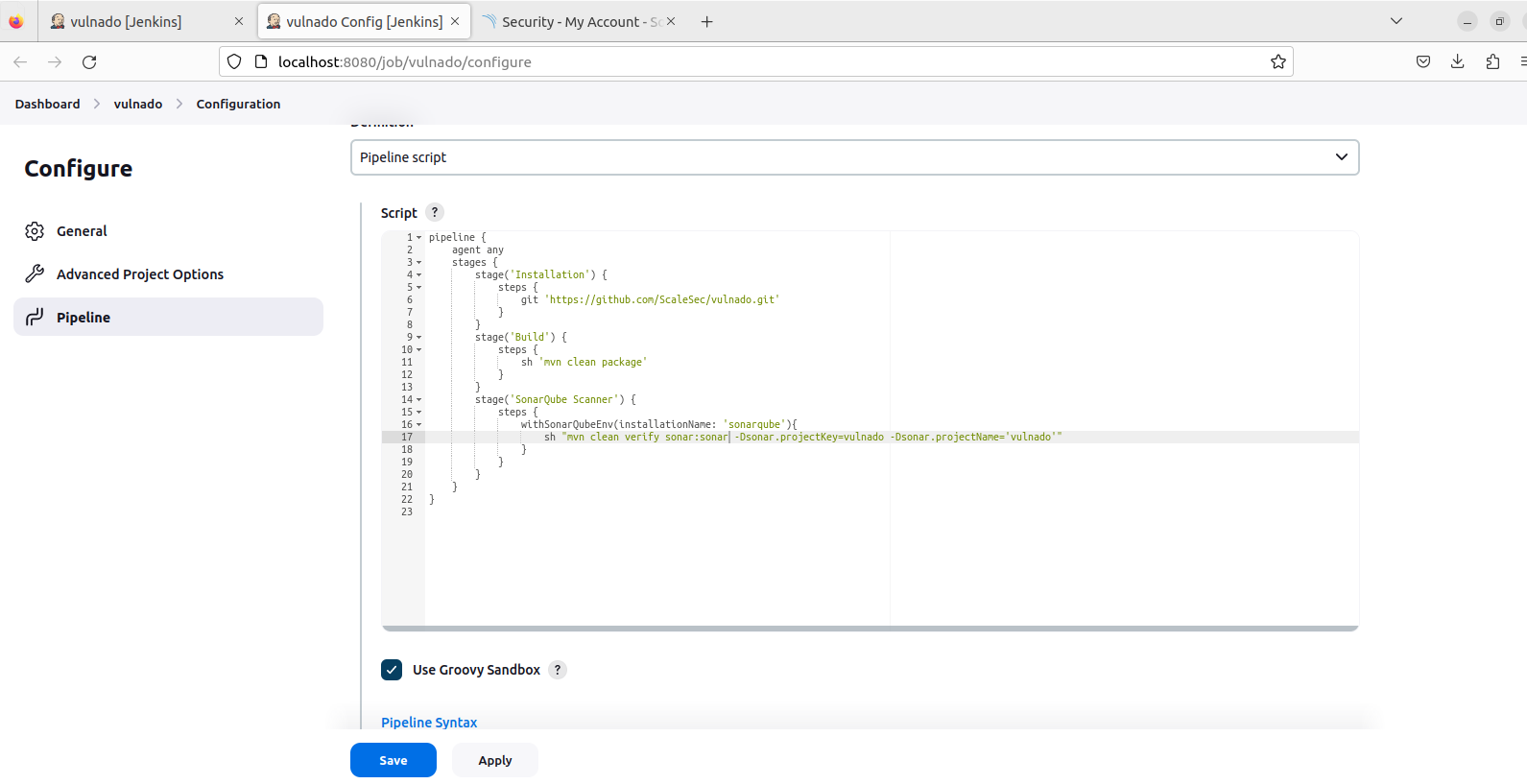
Final Pipeline
Your pipeline should look like this:
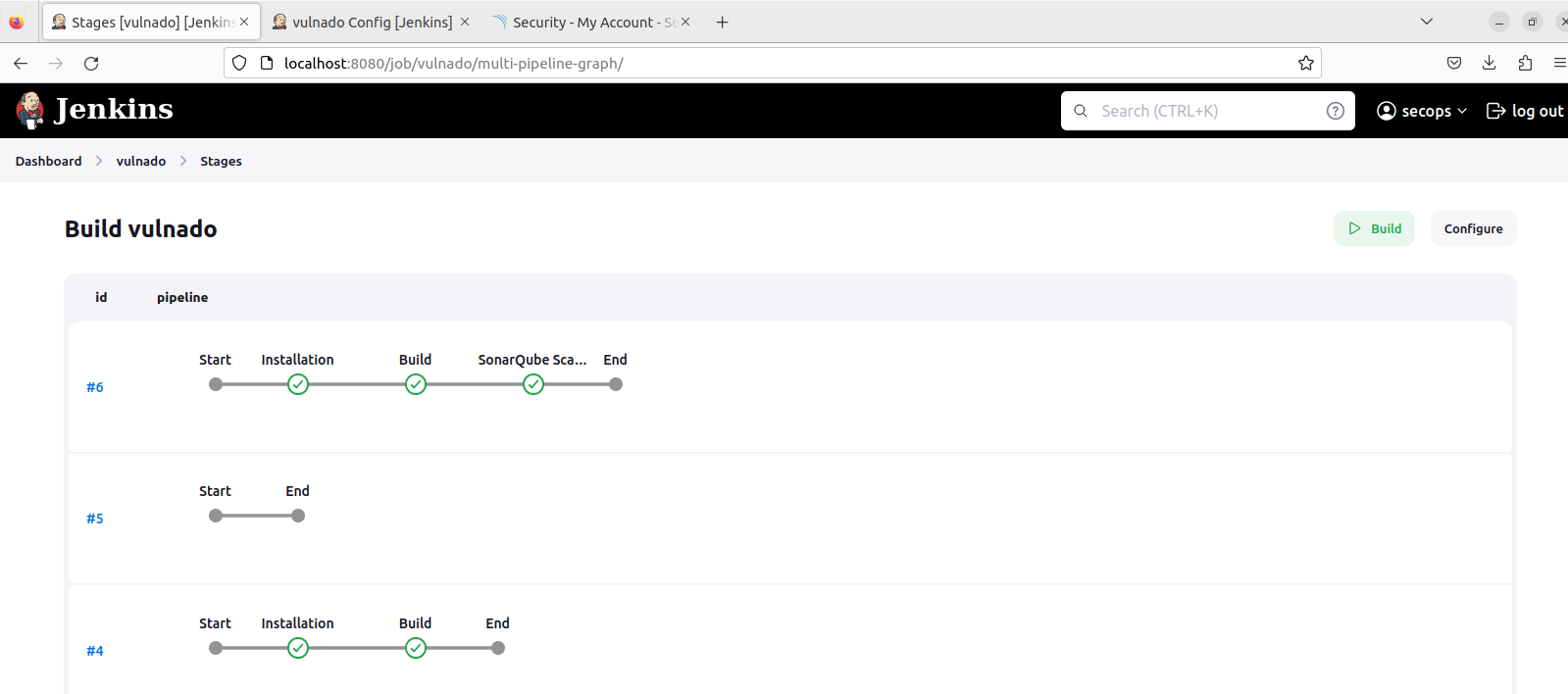
And this is how stages should look:
And this is the SonarQube dashboard with results: